
Page Speed and SEO: Why Every Second Costs You Customers
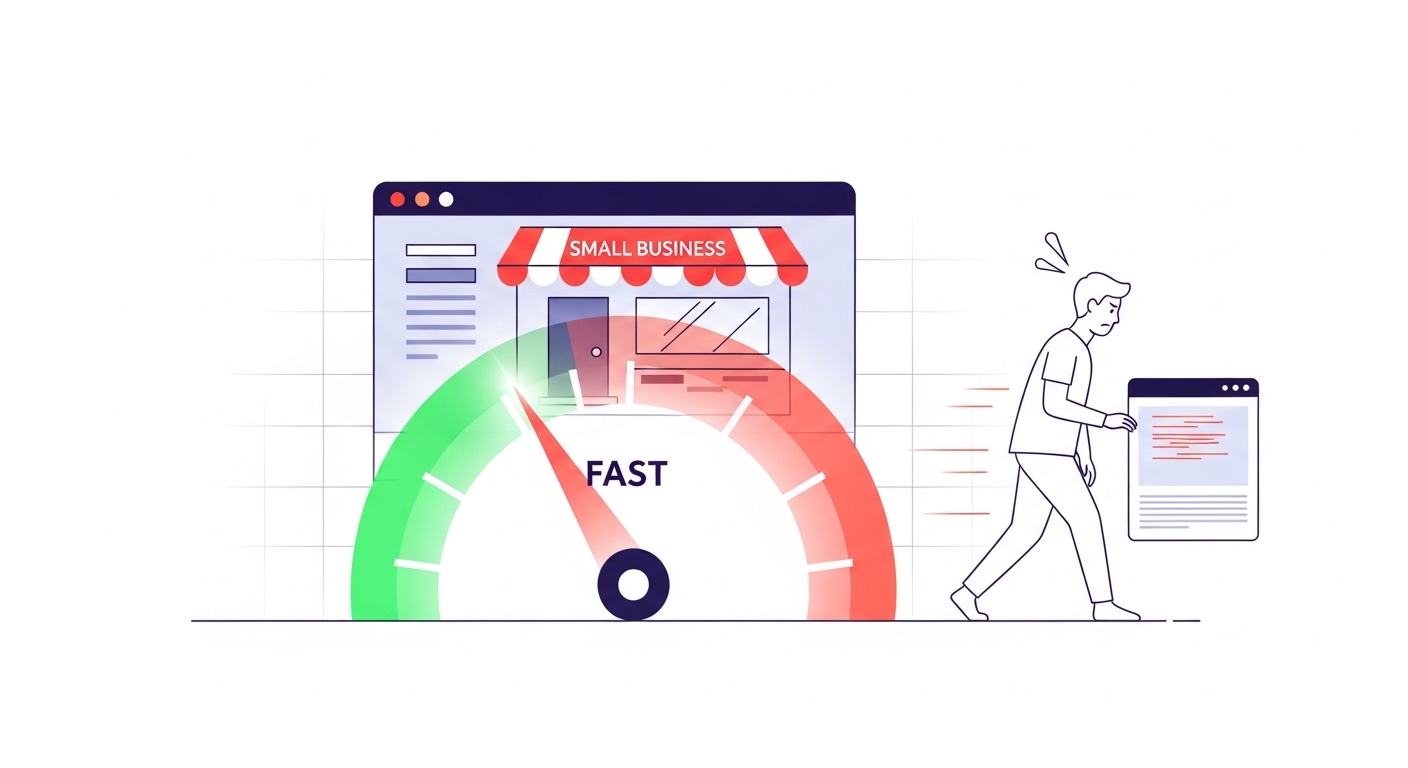
Your Website Is Slower Than You Think
Page speed SEO has become one of the most misunderstood parts of running a local business website. Most business owners assume their site loads fine because it works on their office Wi-Fi. But here's the reality: the average mobile page takes 8.6 seconds to load, and 68% of your visitors are on their phones (Tooltester, 2026). That gap between what you see on your desktop and what your customers experience on their phone is where you're losing business.
Google has made this gap matter even more. Page speed is now a direct ranking signal through Core Web Vitals, the set of performance metrics Google uses to evaluate every page on the web. If your site is slow, you rank lower. If you rank lower, fewer people find you. And the ones who do find you? They leave before your page finishes loading.
What Google Actually Measures (and Why It Matters)
Google evaluates your site speed through three Core Web Vitals metrics:
Largest Contentful Paint (LCP) measures how fast your main content appears. Google wants this under 2.5 seconds.
Interaction to Next Paint (INP) measures how quickly your page responds when someone taps a button or fills out a form. The threshold is 200 milliseconds.
Cumulative Layout Shift (CLS) measures whether your page jumps around while loading. Google wants a score under 0.1.
These aren't suggestions. Google pulls this data from real Chrome users visiting your site (called CrUX data) and uses it directly in their ranking algorithm. Only 34% of the top 100 websites actually pass all three Core Web Vitals on desktop, and just 32% pass on mobile (Tooltester). If even major companies struggle with this, local business websites built on cheap templates are almost certainly failing.
The Real Cost of a Slow Website
Forget rankings for a moment. A slow website costs you money in the most direct way possible: people leave before they see what you offer.
When your page takes 1 second to load, about 7% of visitors bounce. Push that to 3 seconds and 11% leave. At 5 seconds, 38% are gone (Tooltester). That's not a gradual decline. The jump from 3 to 5 seconds nearly quadruples your abandonment rate.
The conversion numbers are even more alarming. Research from Portent found that a site loading in 1 second converts at 3x the rate of a site loading in 5 seconds. For an e-commerce site with 1,000 daily visitors buying $50 items, that's the difference between $1,525 and $335 in daily revenue. Over a year, that one-second gap costs roughly $434,000.
Here's what that looks like in practice: A dentist in Austin has a "Book Appointment" button on their homepage. Their site takes 4.5 seconds to load on mobile. By the time the page renders, 30% of potential patients have already hit the back button and called the dentist below them in the search results. That competitor's site loads in 1.8 seconds. Same service, same neighborhood, different revenue.
Page Speed Affects Your Local Search Rankings Directly
For local businesses, page speed hits you twice. First, through the Core Web Vitals ranking signal that applies to all Google searches. Second, through the behavioral signals that slow sites send to Google.
When someone searches "plumber near me," clicks your site, waits 6 seconds, then hits back and clicks your competitor instead, Google notices. That pattern (called pogo-sticking) tells Google your result wasn't satisfying. Over time, your competitor moves up and you move down.
Case studies compiled by DebugBear show that sites optimizing their Core Web Vitals saw a 15% traffic increase, 28% improvement in page-1 rankings, and up to 300% growth in Google impressions. Those aren't theoretical numbers. They're from real businesses that fixed their speed and watched their traffic climb.
For a local business competing in a specific city or neighborhood, these gains are even more meaningful. Local search results often have just 3 spots in the map pack. Moving from position 5 to position 3 can double your phone calls.
Why Mobile Speed Matters Most for Local Businesses
Here's something most business owners miss: mobile pages take 70.9% longer to load than desktop pages (Tooltester). Your site might load in 2 seconds on your office computer but crawl at 5+ seconds on a customer's phone.
This matters because local searches are overwhelmingly mobile. Someone searching "emergency plumber" at 10 PM isn't sitting at a desk. They're standing in a flooded kitchen, on their phone, ready to call the first business that loads. If your site makes them wait, they won't.
Google knows this too. They use mobile-first indexing, meaning they evaluate the mobile version of your site for rankings, not the desktop version. A fast desktop site with a sluggish mobile experience still gets ranked based on the sluggish version.
47% of users expect a website to load in 2 seconds or less. And 70% of consumers say page speed directly affects whether they'll buy from an online store (Tooltester). For a local law firm, restaurant, or HVAC company, "buying" means booking an appointment, placing an order, or requesting a quote. Every second of delay makes that less likely.
5 Things You Can Fix This Week
You don't need a developer to start improving your page speed. These five changes have the biggest impact for the least effort:
1. Compress and Resize Your Images
Oversized images are the number one speed killer on local business websites. That 4MB hero photo of your storefront? It should be under 200KB. Use Squoosh (free, from Google) to compress images to WebP format. This single change often cuts load time by 40-60%.
2. Get Rid of Plugins and Scripts You Don't Use
Every WordPress plugin, chat widget, analytics tracker, and social media embed adds weight to your page. If you installed a plugin two years ago and forgot about it, it's still loading on every page visit. Audit your plugins quarterly and remove anything you're not actively using.
3. Enable Browser Caching
Caching tells returning visitors' browsers to save your site's files locally instead of downloading them again. For a regular customer checking your hours or menu, this can make your site load almost instantly on their second visit. Most hosting providers have a caching toggle in their settings panel.
4. Use a Content Delivery Network (CDN)
A CDN stores copies of your site on servers around the country. When a customer in Phoenix visits your site that's hosted in New York, the CDN serves them the Phoenix copy instead. This reduces load times by 60-80% for visitors far from your server. Cloudflare offers a solid free tier that works for most local businesses.
5. Check Your Hosting Plan
Cheap shared hosting ($3-5/month plans) packs hundreds of websites onto one server. During peak hours, your site competes for resources with all of them. Upgrading to a quality managed hosting plan ($20-50/month) often delivers the single biggest speed improvement. Think of it like renting office space: a shared cubicle in a crowded building versus your own small office.
How to Check Your Current Speed
Before you fix anything, you need to know where you stand. Here are two free tools that take less than a minute:
Google PageSpeed Insights (pagespeed.web.dev) gives you your Core Web Vitals scores and specific recommendations. Pay attention to the "field data" section at the top, which shows real user experience. The "lab data" below is a simulation and tends to be harsher.
GTmetrix (gtmetrix.com) provides a more visual breakdown of what's slowing your site down, with a waterfall chart showing exactly which files take the longest to load.
Run both tests on your homepage and your most important service page. Test on mobile, not just desktop. If your LCP is over 2.5 seconds or your overall load time exceeds 3 seconds, you're losing visitors and rankings every day.
Speed Is the Foundation Everything Else Depends On
You can have the best Google Business Profile in your city, hundreds of five-star reviews, and perfectly optimized content. But if your website takes 6 seconds to load, all of that work gets undermined the moment someone clicks through to your site.
Page speed isn't the most glamorous part of SEO. Nobody gets excited about image compression or caching headers. But it's the foundation that makes everything else work. Fast sites keep visitors. Visitors become customers. Customers leave reviews. Reviews improve rankings. It's a cycle, and speed is where it starts.
Not sure how your site measures up? Search & Rescue runs a free SEO audit that includes a full page speed analysis with your Core Web Vitals scores, specific bottlenecks slowing you down, and a prioritized fix list. It takes 30 seconds to request and covers a lot more than just speed. Get your free audit here.
Get Your Free SEO Audit
Find out how your website scores across 7 SEO categories. Free, no strings attached.
Request Your Free Score