
SEO Audit Metrics Explained: What We Measure and Why
Your SEO Audit Score Isn't a Mystery
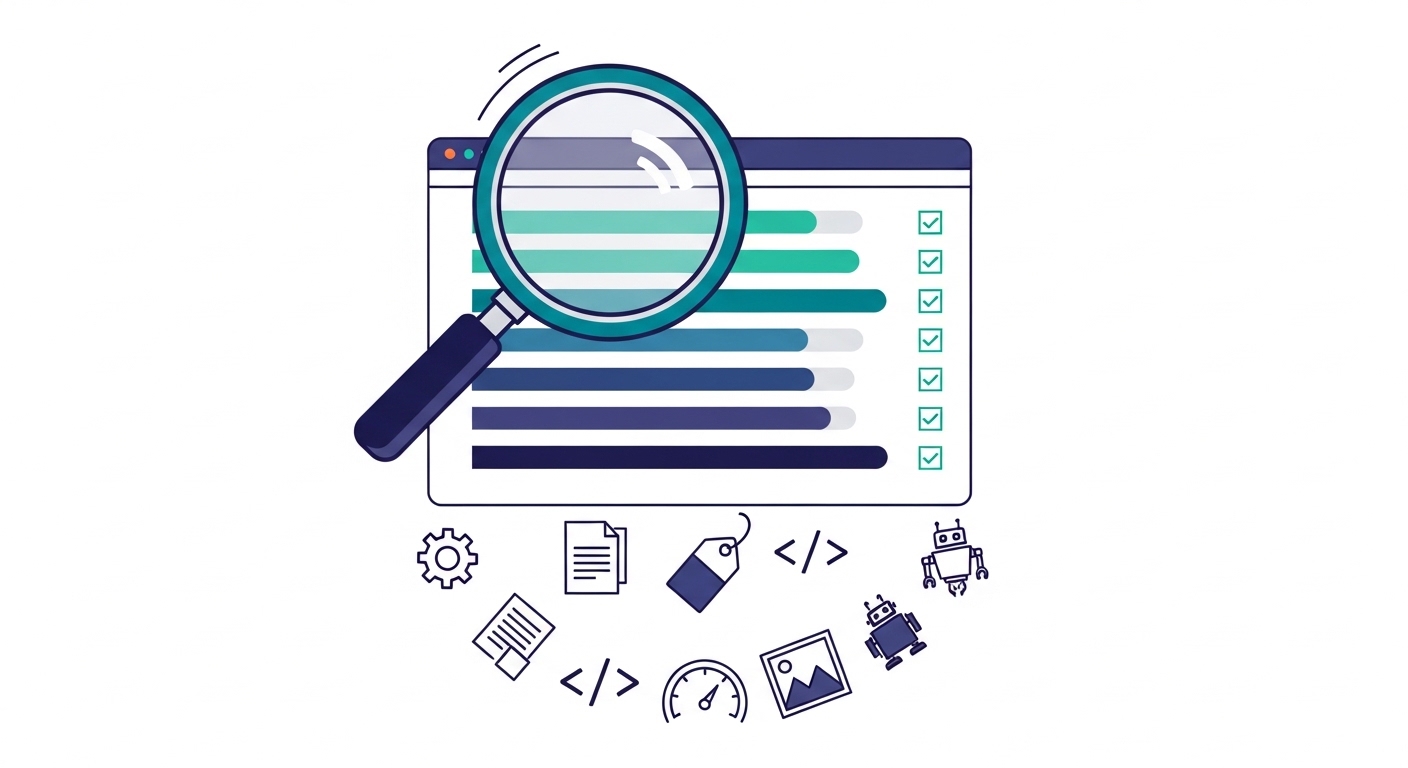
You just got your SEO audit report. There's a big number at the top, color-coded scores for seven categories, and a list of findings sorted by severity. It looks thorough, maybe even a little overwhelming.
Here's the thing: every single metric in that report exists for a reason. Each one maps to something Google (or your potential customers) actually cares about. This guide breaks down what we measure, how we score it, and what it means for your business.
How We Calculate Your Overall Score
Your overall SEO score runs from 0 to 100. It's a weighted average of seven category scores. Not every category carries equal weight, because not every SEO factor has equal impact on your rankings.
Here's the breakdown:
Technical SEO: 25% of your total score
Content Quality: 25% of your total score
On-Page SEO: 20% of your total score
Schema Markup: 10% of your total score
Performance: 10% of your total score
Image Optimization: 5% of your total score
AI Search Readiness: 5% of your total score
Technical SEO and content quality together make up half your score. That's intentional. If search engines can't crawl your site, or if your content is thin, nothing else matters much. The top search result for any query gets an average 28.5% click-through rate. The tenth result? Just 2.5%. Getting the fundamentals right is what separates those positions.
What the Colors Mean
Every score in your report is color-coded:
Green (70-100): You're in good shape. Keep it up.
Yellow (40-69): Room for improvement. These are holding you back.
Red (0-39): Critical problems. These need attention now.
Technical SEO (25% of Your Score)
Think of technical SEO as the foundation of your house. If the foundation is cracked, it doesn't matter how nice the paint looks. Technical SEO determines whether search engines can actually find, crawl, and understand your website.
We check over a dozen factors in this category:
HTTPS encryption: Is your site secure? Google has used HTTPS as a ranking signal since 2014, and browsers now warn visitors when sites aren't encrypted.
Server-side rendering (SSR): Can Google see your content? Some websites built with JavaScript frameworks show a blank page to search engine crawlers. If Google can't read your content, it can't rank it. That's like having a store with the lights off.
Robots.txt: This file tells search engines which pages to crawl. A missing or misconfigured robots.txt can accidentally block Google from your most important pages.
XML Sitemap: Your sitemap is a roadmap for search engines. It lists every page you want indexed. Without one, Google has to discover pages on its own, and it might miss some.
Mobile responsiveness: 92.3% of internet users access the web from mobile devices, according to AIOSEO's 2026 data. Google uses mobile-first indexing, meaning it primarily looks at your mobile site for ranking decisions.
WWW redirect: yoursite.com and www.yoursite.com should point to the same place. Without a redirect, Google might treat them as two separate websites, splitting your ranking power in half.
Canonical URLs: These tags tell Google which version of a page is the "real" one. Missing canonicals can cause duplicate content problems.
Security headers: Additional server-level protections that safeguard your visitors and signal trustworthiness.
If you're a dentist in Austin and your website is built on a JavaScript framework without server-side rendering, Google might not see a single word on your site. Your beautiful homepage, your list of services, your patient testimonials: invisible. We flag that as a critical issue.
Content Quality (25% of Your Score)
Google's mission is to surface the most helpful content for every search. Your content quality score measures how well your website delivers on that promise.
Here's what we evaluate:
Word count and content depth: While Google has said word count alone isn't a ranking factor, thin content is a real problem. Long-form content (3,000+ words) generates 3x more traffic, 4x more shares, and 3.5x more backlinks than average-length content. We're not looking for a specific number. We're checking whether your content actually answers the questions your customers are asking.
Heading structure: Your H1 through H6 tags create an outline for both readers and search engines. A page with one H1 and logical H2/H3 subheadings is easier to scan and easier for Google to understand.
E-E-A-T signals: This stands for Experience, Expertise, Authoritativeness, and Trustworthiness. Google uses this framework to evaluate content quality, especially for topics that affect health, finances, or safety. We look for signals like author credentials, years of experience mentioned on the site, portfolio examples, press mentions, and certifications.
Readability grade: Content written at a college reading level might impress academics, but it won't connect with most of your customers. We assess whether your writing is accessible to a general audience.
Internal linking: Links between your own pages help Google understand your site structure and spread ranking authority. A plumber in Denver with 20 service pages but no links between them is leaving SEO value on the table.
Keyword analysis: We identify your primary keywords and, more importantly, the keyword opportunities you're missing.
On-Page SEO (20% of Your Score)
On-page SEO covers the HTML elements that directly control how your pages appear in search results. These are the first things a potential customer sees before they ever visit your site.
Title tags: The clickable headline in search results. Pages with optimized title tags have an 8.9% higher click-through rate than unoptimized ones. Your title should include your target keyword, your location if you're a local business, and stay under 60 characters so it doesn't get cut off.
Meta descriptions: The short summary below your title in search results. Google rewrites meta descriptions about 63% of the time, but when yours is good enough to keep, it directly influences whether someone clicks your listing or your competitor's.
Open Graph tags: These control how your pages look when shared on Facebook, LinkedIn, and other social platforms. Missing Open Graph tags mean your shared links show up with no image, a generic title, or a random snippet of text. Not a great first impression.
Twitter Card tags: Same concept as Open Graph, but for X (formerly Twitter). Proper Twitter Cards turn your shared links into rich, visual previews instead of plain text URLs.
Here's what this looks like in practice: imagine you're a personal injury lawyer in Phoenix. Someone searches "car accident lawyer Phoenix." Your competitor's result shows a clear title, a compelling description, and their phone number. Your result shows a truncated title and "No description available." Who gets the click?
Schema Markup (10% of Your Score)
Schema markup is code you add to your website that helps search engines understand your content in a structured way. It's the difference between Google guessing what your business does and Google knowing exactly what services you offer, where you're located, and what your hours are.
We check for these schema types:
Organization schema: Your business name, logo, address, and social profiles.
LocalBusiness schema: Location details, service area, price range. Essential for showing up in local search and Google Maps.
WebSite schema: Helps Google understand your site's name and search functionality.
ProfessionalService schema: Specific to service-based businesses like lawyers, accountants, and consultants.
Service schema: Individual service descriptions with details.
Person schema: For the business owner or key team members, supporting E-E-A-T signals.
BreadcrumbList schema: Helps Google display navigation breadcrumbs in search results.
Websites with properly implemented structured data see 20-30% higher click-through rates compared to standard listings. Rich results (those enhanced search listings with stars, prices, or images) achieve even more dramatic improvements. Despite this, most small business websites have zero schema markup. That's a missed opportunity our audit catches immediately.
Google's AI Overviews now appear in about 25% of search queries and use structured data as a primary information source. Schema markup isn't just about looking better in search results anymore. It's about being understood by AI systems that increasingly decide which businesses get visibility.
Performance (10% of Your Score)
Performance measures how fast your website loads and how it feels to use. Google has made this a direct ranking factor through Core Web Vitals, which are four specific metrics:
Largest Contentful Paint (LCP): How quickly the main content of your page becomes visible. Good is under 2.5 seconds. Poor is over 4 seconds. If your homepage takes 5 seconds to show your hero image, you've already lost visitors.
Interaction to Next Paint (INP): How quickly your page responds when someone clicks a button or taps a link. Good is under 200 milliseconds. 43% of websites still fail this metric in 2026, making it the most commonly failed Core Web Vital.
Cumulative Layout Shift (CLS): How much the page jumps around while loading. You've probably experienced this: you're about to tap a button, and an ad loads above it, pushing everything down. Google scores this, and a score above 0.1 is a problem.
Time to First Byte (TTFB): How fast your server responds to a request. Good is under 600 milliseconds. This often points to hosting quality. If you're a restaurant owner paying $5 a month for shared hosting, your TTFB is probably hurting you.
We also flag render-blocking resources (CSS and JavaScript files that prevent your page from displaying until they finish loading). These are often the easiest performance wins to fix.
Image Optimization (5% of Your Score)
Images are usually the heaviest elements on any webpage. Unoptimized images are one of the most common reasons small business websites load slowly.
We check six specific things:
Missing alt text: Alt text describes images for screen readers and search engines. Missing it hurts accessibility and means Google can't understand what your images show. If you're a contractor and your portfolio images have no alt text, Google Image Search can't send you traffic from people searching "kitchen remodel Phoenix."
Missing lazy loading: Lazy loading means images below the fold (the part of the page you can't see without scrolling) only load when the visitor scrolls to them. Without it, every image loads at once, slowing down the initial page display.
Oversized images: A 4000-pixel-wide photo uploaded straight from your phone is being resized by the browser, but the full file still downloads. We flag every image that's larger than it needs to be.
Modern formats: WebP and AVIF images are 25-50% smaller than JPEG and PNG with the same visual quality. We check whether your site uses them.
Responsive images: Does your site serve different image sizes to different devices? A phone doesn't need the same image as a desktop monitor.
Total image count: More context for understanding performance impact.
Image optimization carries a smaller weight (5%) because it's a subset of the broader performance picture. But it's often the lowest-hanging fruit. Fixing images alone can cut page load times in half.
AI Search Readiness (5% of Your Score)
This is the newest category in our audit, and it's becoming more important every month. AI-powered search tools like Google's AI Overviews, ChatGPT, and Perplexity are changing how people find businesses. About 60% of Google searches now end without a click because AI summaries answer the question directly.
We measure:
AI crawler accessibility: Can AI bots actually read your site? Some websites accidentally block them.
GPTBot, ClaudeBot, and PerplexityBot permissions: Each AI system has its own web crawler. We check whether your robots.txt file allows or blocks each one.
llms.txt file: A newer standard (think of it like robots.txt, but specifically for AI systems) that gives AI crawlers guidelines about your content.
Citability score: How likely AI engines are to cite your content when answering questions. Pages loading under 0.4 seconds average 6.7 AI citations versus 2.1 for slower pages. Structured formatting with clear headings and lists significantly boosts citation chances.
Brand mention signals: Where your brand appears across the web (LinkedIn, directories, review sites). AI systems use these signals to determine authority and trustworthiness.
AI readiness is weighted at 5% today because it's still emerging. But the businesses that optimize for it now will have a significant head start as AI search becomes the default. For a local business, being the one that AI Overviews recommends for "best plumber in Denver" could be worth more than a first-page ranking.
Issue Severity: How We Prioritize What to Fix
Every issue we find gets a severity rating. This isn't arbitrary. It tells you where to focus your time and budget.
Critical: These block your site from being indexed, ranked, or used effectively. If Google can't see your site or your pages have no meta descriptions, that's critical. Fix these first.
High: Major issues that significantly hurt your SEO or user experience. Missing schema markup, broken navigation links, and accessibility gaps fall here.
Medium: Moderate impact items. Images without lazy loading, thin content on certain pages, and missing security headers. Important but not urgent.
Low: Nice-to-have improvements. Outdated copyright years, missing AI crawler directives, and minor content enhancements. Address these when the bigger issues are handled.
Each finding also includes a fix difficulty rating (easy, medium, or hard) and a time estimate so you know what you're getting into before you start.
The Action Plan: Your Prioritized Roadmap
Raw data is useless without a plan. Every audit includes a prioritized action plan organized into four timeframes:
Week 1: Critical fixes that are blocking your visibility right now.
Week 2: High-impact improvements that will move the needle fastest.
Month 1: Optimization work that builds on the foundation you've fixed.
Backlog: Lower-priority items to tackle when the bigger wins are in place.
This isn't a vague "improve your SEO" recommendation. It's a specific, ordered list with descriptions, difficulty ratings, and time estimates for each action.
Competitor Analysis: Where You Stand
If you have our competitor comparison report, you also see how your scores stack up against other businesses in your niche and location. We group competitors by industry and city, rank everyone by overall score, and highlight where you're ahead and where you're behind.
This context matters. A technical SEO score of 62 might feel "okay" in isolation. But if your three closest competitors all score above 80, you know exactly where you're losing ground.
What to Do With Your Report
Start with the critical issues. Then work through the high-severity findings. Follow the action plan timeline. If you want help implementing fixes, our Fix-It service handles everything from quick technical patches to full-site rebuilds.
Not sure where your website stands? Get a free SEO audit and see exactly what's helping and hurting your search visibility. Every metric is explained, every issue is prioritized, and you'll have a clear path forward.
Related Articles

AI and SEO: How Search Engines Are Changing in 2026
AI and SEO are colliding in ways that affect every local business. Here's what's actually changing, what it means for your website traffic, and seven things you can do about it right now.

What Is an SEO Audit? A Guide for Local Businesses
An SEO audit is a checkup for your website that shows exactly why customers can't find you on Google. This guide breaks down every part of an SEO audit so local business owners know what to expect, what matters most, and how to act on the results.
HVAC SEO: A Complete Marketing Guide for HVAC Companies
HVAC SEO can generate 150 to 500 leads per month when done right. This complete guide covers everything HVAC companies need to rank higher on Google, win the local pack, and turn searches into booked jobs.
Get Your Free SEO Audit
Find out how your website scores across 7 SEO categories. Free, no strings attached.
Request Your Free Score